
Features
What Telega Watch does on your Android TV.
Made for the remote
Telega Watch is an Android TV app, built for a remote in your hand and a screen across the room.
Screens that show chats and movies are drawings of the real layout, filled with public-domain films and made-up channels; Settings and the code pad are screenshots from a TV.
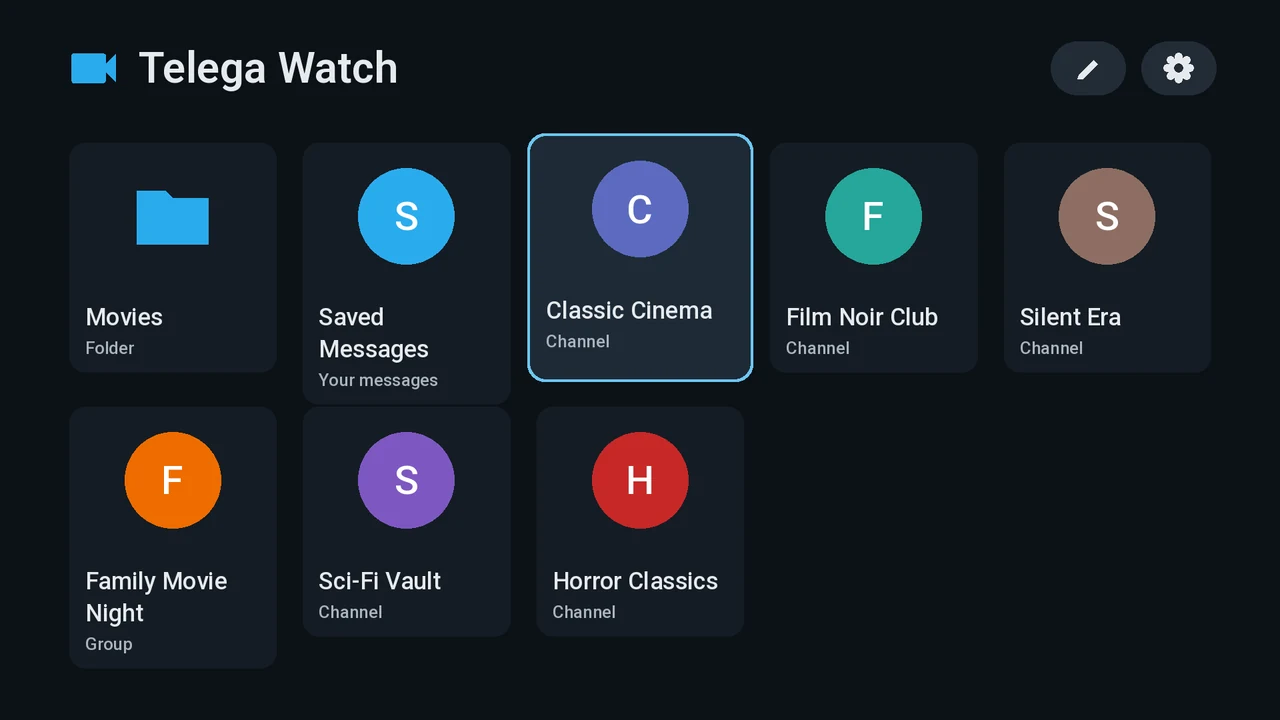
- The selected card or button always has a bright frame around it, so you never lose your place.
- Home shows your sources as cards: folders, channels, groups and Saved Messages. The pencil button changes them, the gear opens Settings, and so does the remote’s Menu key.
- Come back from a movie and you land on the same card you left.
Logging in
You log in with your own Telegram account. The easiest way is a QR code: on your phone, open Telegram → Settings → Devices → Link Desktop Device and point the camera at the TV. You can also log in with your phone number and the code Telegram sends you. Two-step verification passwords are supported.

On your phone, open Telegram → Settings → Devices → Link Desktop Device, and scan this code.
Log in with phone number insteadThe TV becomes one of your Telegram devices, and you can end the session from your phone at any time. Logging out in the app removes the account and everything downloaded from the TV.
Choosing sources
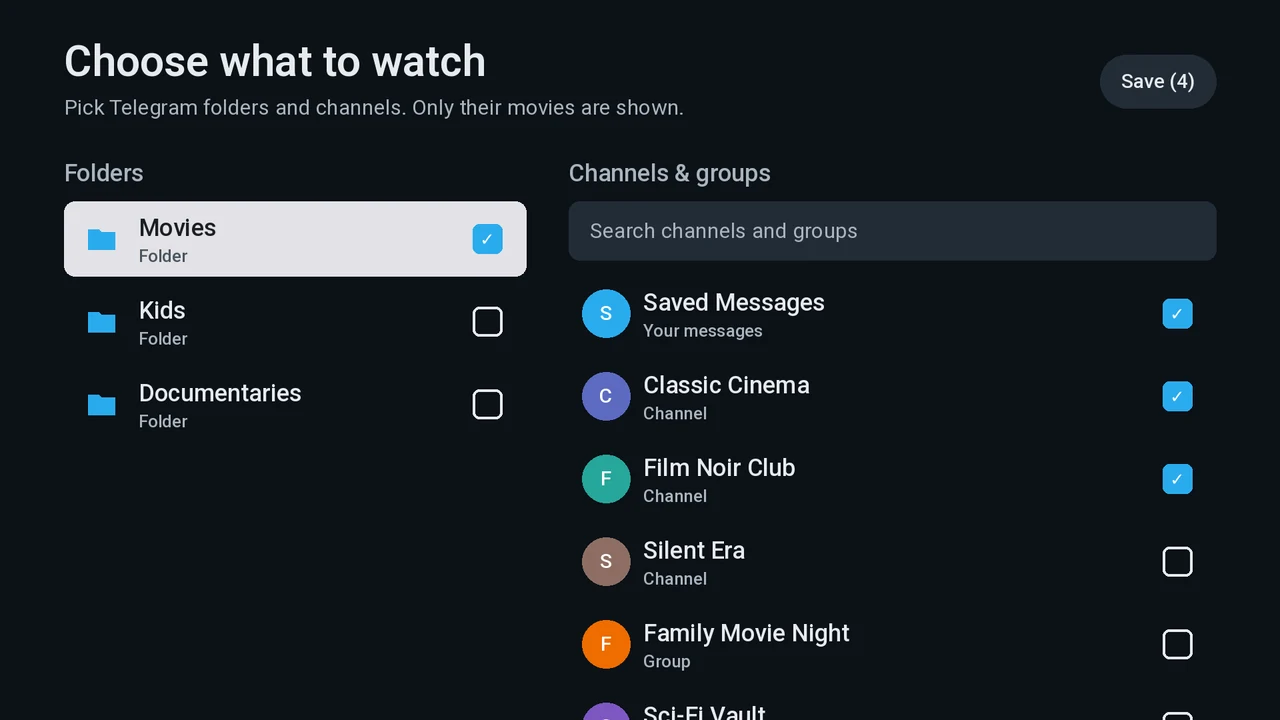
- Pick any of your chat folders, channels and groups, and your own Saved Messages, so videos you forwarded to yourself show up too.
- Search narrows the list of channels and groups as you type.
- A folder follows its contents: add a channel to the folder in Telegram and it shows up on the TV.
A library of movies
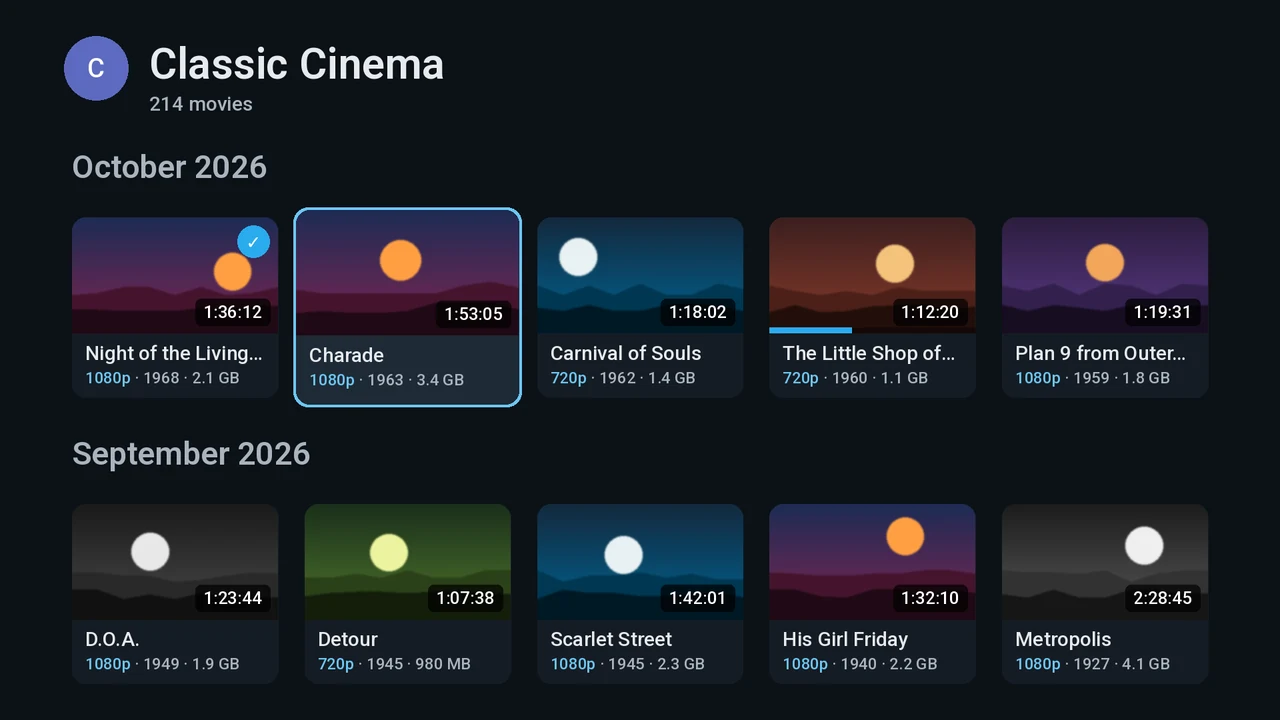
- A channel or group opens as a grid of movies, newest first, under month headings. More load as you scroll down.
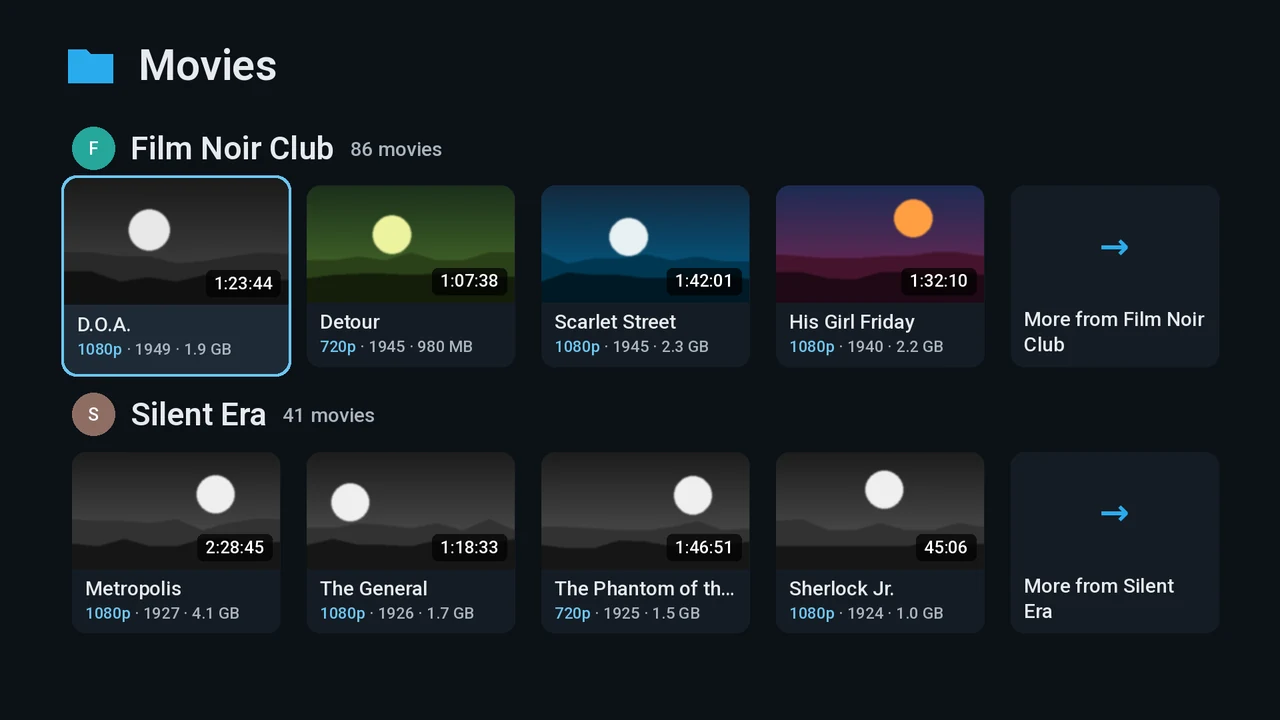
- A folder opens as rows, one per channel, each ending in a “More from” card that opens the whole channel.
- Only movies are listed: by default a video shorter than 3 minutes counts as a clip and is hidden, and a file with no known length must be at least 10 MB. Both limits can be changed in Settings.
- Each card shows the title, plus the year, quality, episode and size when the file name gives them.
- The list is remembered on the TV, so a channel you have opened before appears at once and only fetches what is new.
The player
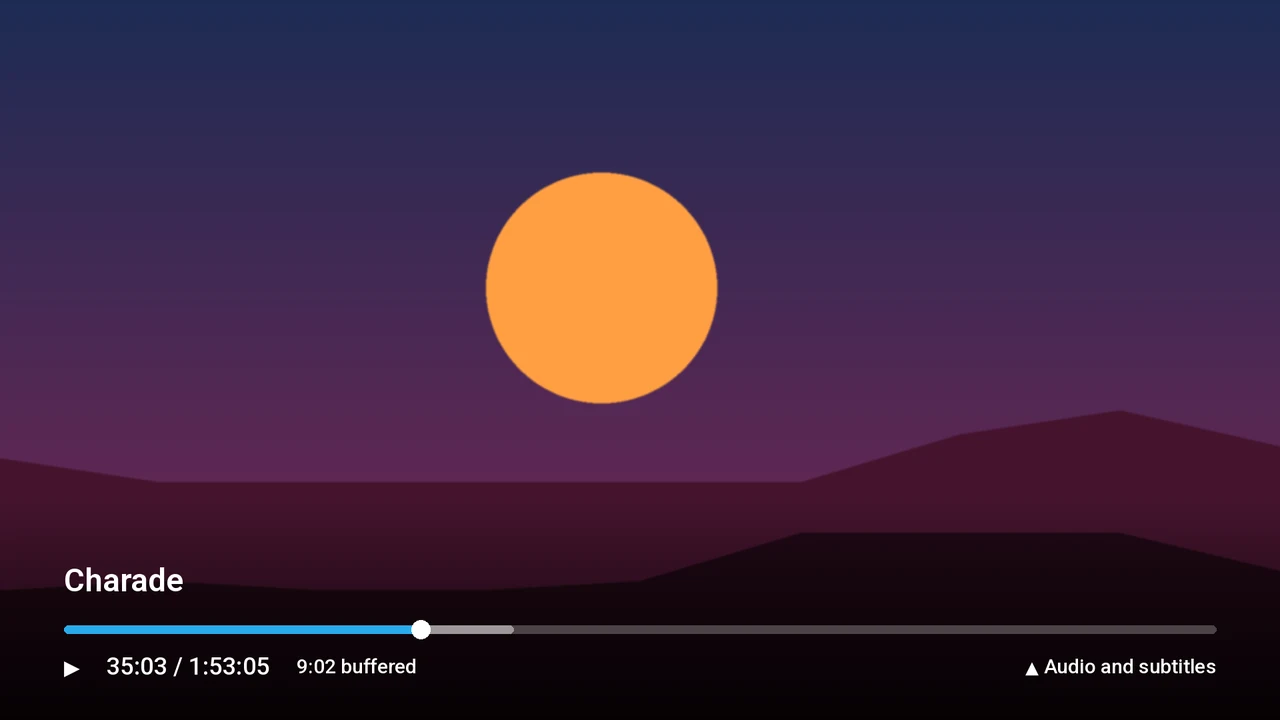
- Playback starts while the movie is still downloading. Skip ahead and the download jumps there too.
- Telega Watch remembers where you stopped and offers to resume, or to start over.
- Press Up during playback to choose the audio track and subtitles.
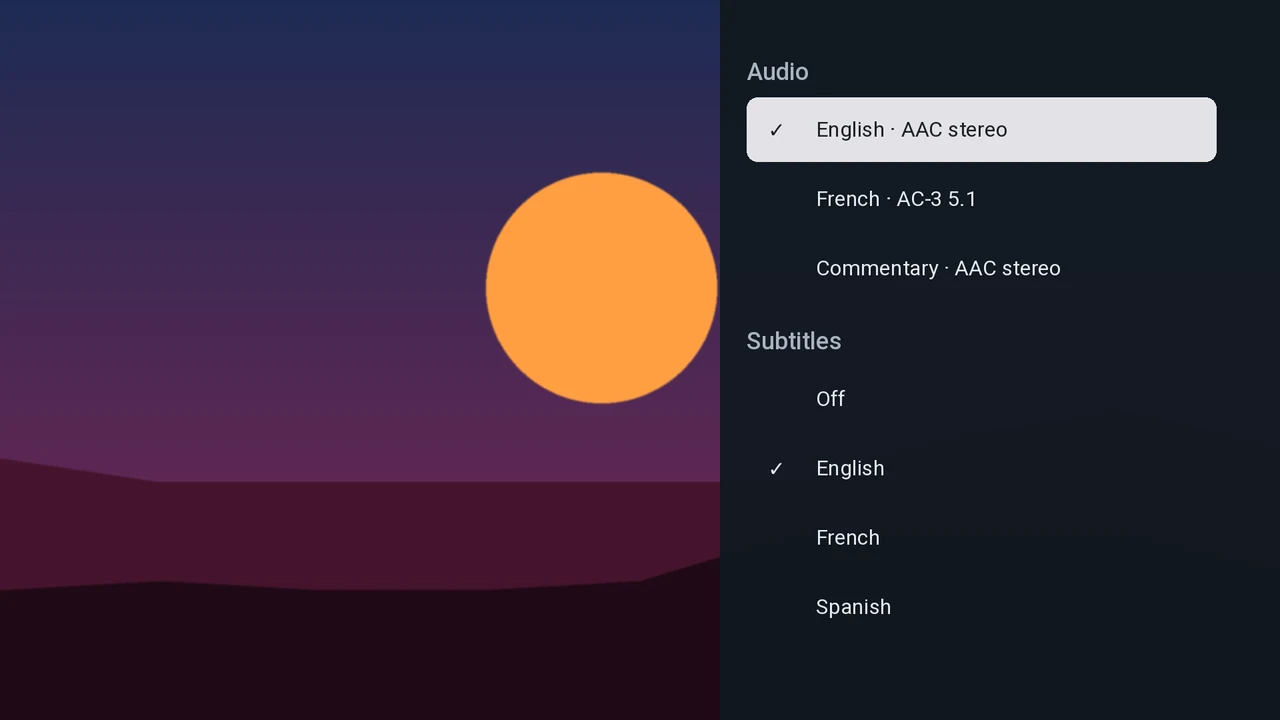
- If the TV can’t decode the movie’s audio, another track that it can decode plays and you are told. If the TV can’t decode the video, you get a clear message saying why (for example “HEVC 10-bit 3840×2160”) instead of a black screen.
- Downloads are kept within the space you allow in Settings, and the oldest are deleted first.
Settings
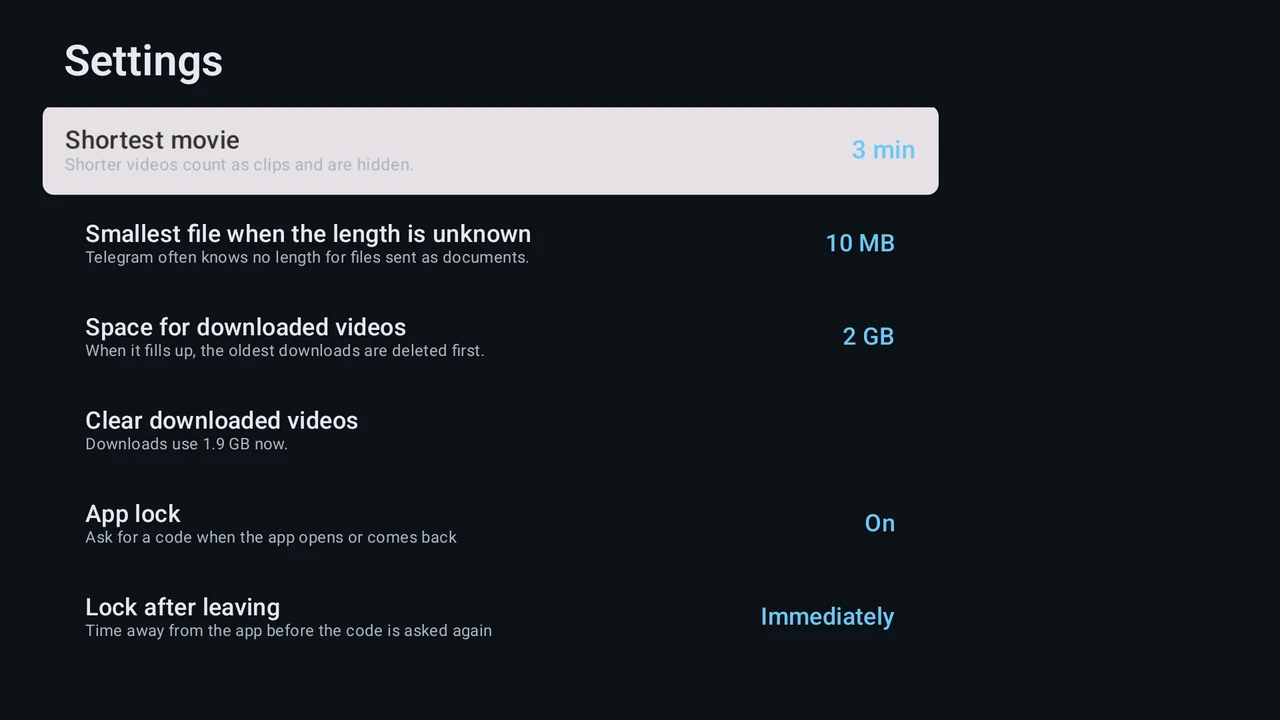
- Shortest movie and Smallest file when the length is unknown decide what counts as a movie.
- Space for downloaded videos caps how much of the TV’s storage movies may use, and Clear downloaded videos frees it all.
- Check for updates, About and licences, and Log out.
App lock
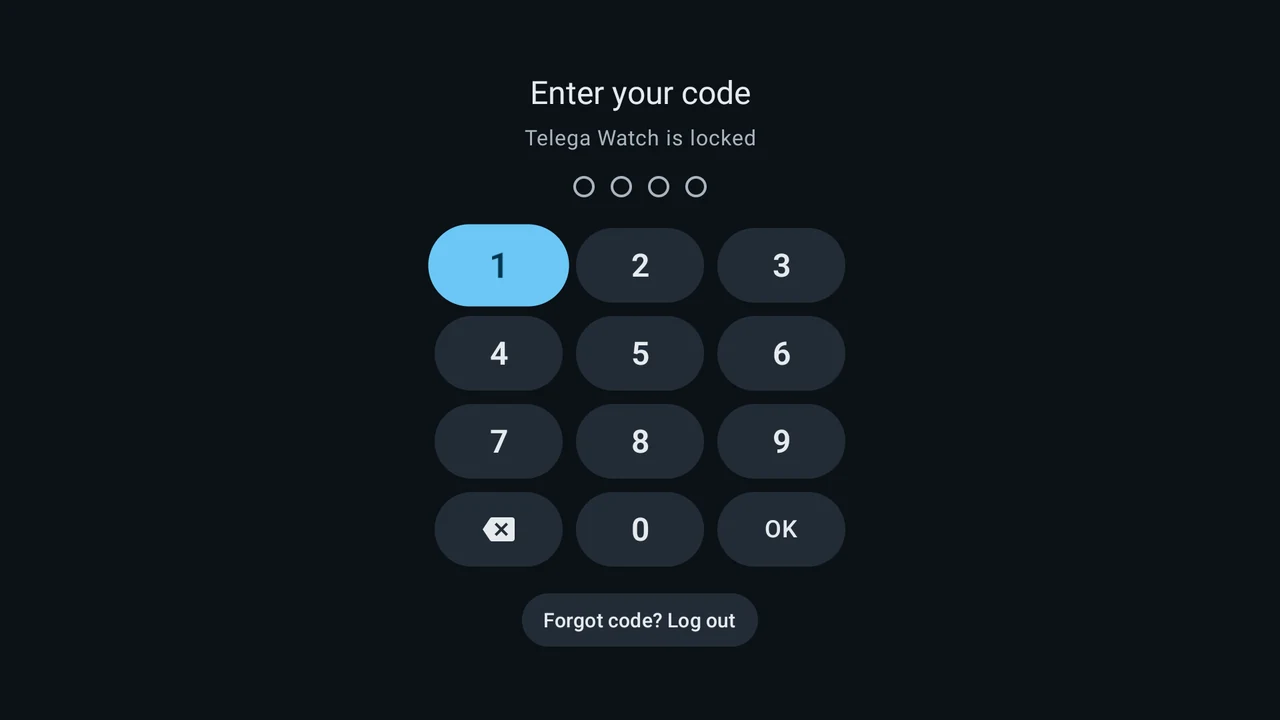
- Set a 4 to 8 digit code in Settings → App lock. The app asks for it when it starts and when you come back.
- Choose how long you can be away before it asks again, and whether it locks after a while without a remote press. A playing movie never counts as idle.
- After several wrong tries, each further try has to wait, a little longer each time.
- Forgot the code? Forgot code? Log out on the lock screen resets it.
Updates
When a new version is out, Telega Watch says so when it starts, or from Settings → Check for updates. It lists everything that changed since your version and installs the update in a couple of presses. The full list is under What’s new.
Read-only, by design
Telega Watch only reads. It never sends messages, never joins or leaves chats, and never forwards, edits or deletes anything in your account. See Privacy & disclaimer.